Hirealm
A multi-tenant SaaS that turns ordinary phone photos into interactive, navigable property tours. No 360° camera, no photographer.

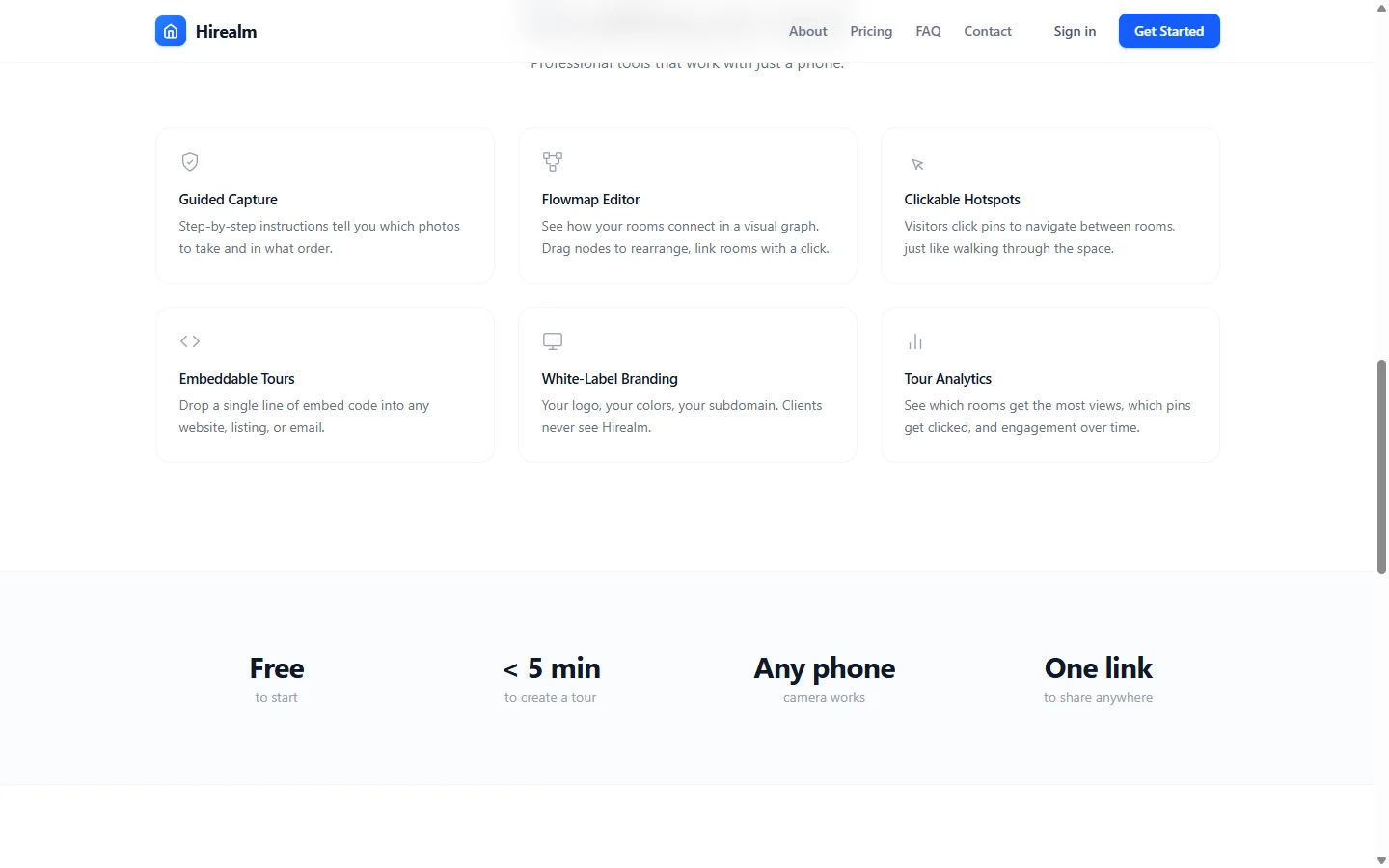

Hirealm turns the photos already sitting on an agent's phone into a clickable walkthrough of a property. The premise is deliberately narrow: a virtual tour shouldn't need a $3,000 panoramic rig or a hired photographer. You shoot each room, drop pins on the doorways to link them together, and publish a shareable link that visitors click through as if they were walking the space.
Behind that one-line promise sits a full multi-tenant SaaS, built end to end on Cloudflare: orgs, white-label branding, billing, and the tour editor and viewer. It runs in production at hirealm.net, currently in public beta.
From photos to a tour
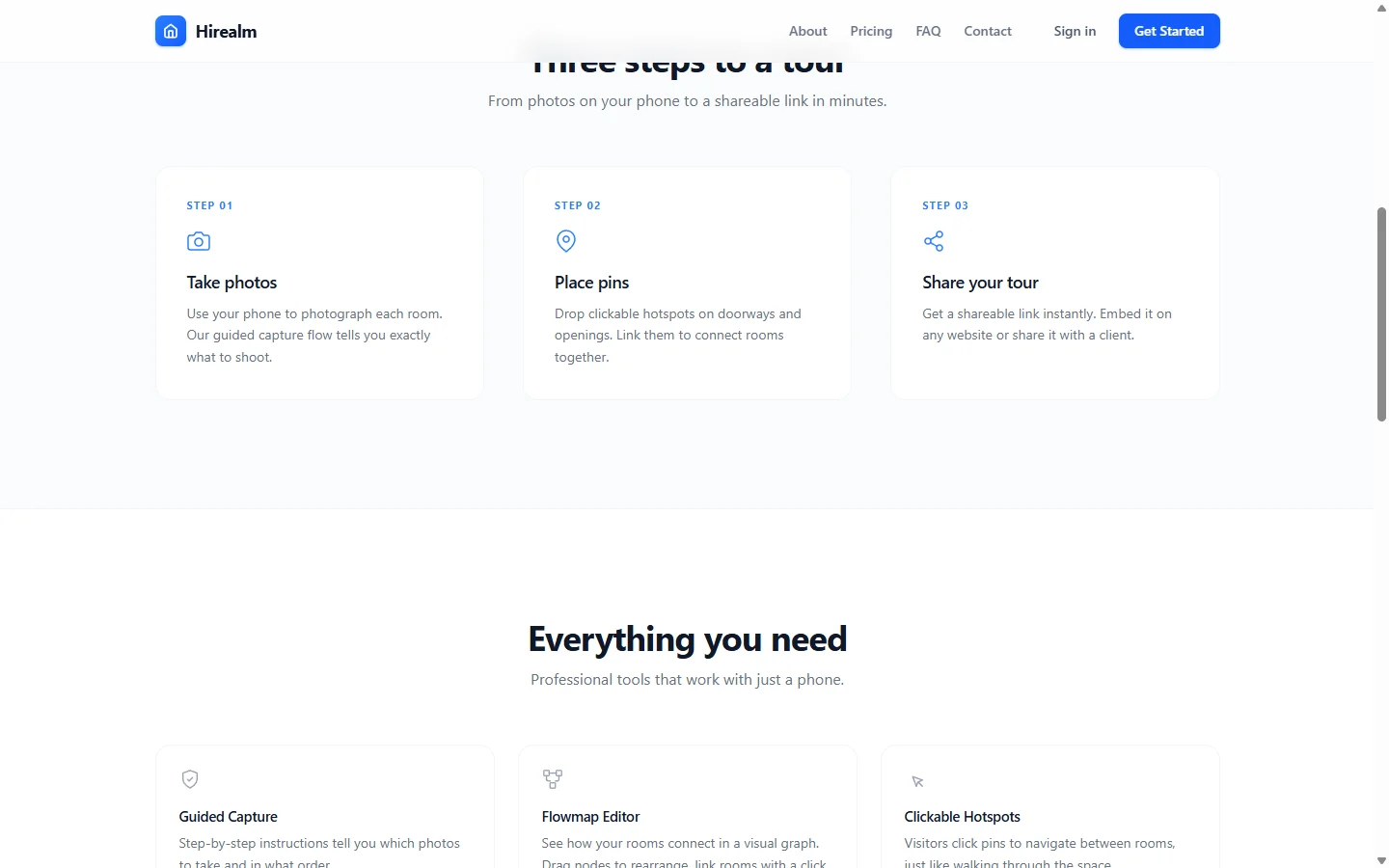
The capture flow is three steps. A guided checklist tells you which photos to take and in what order, so a non-photographer ends up with usable coverage of a space on the first try. You then connect the rooms in the editor, and publish.
The tour editor
The editor is where a pile of room photos becomes a navigable space.
- Hotspot pins: Click or drag to place a pin on a doorway or opening, then point it at the photo it leads to; that single action is the whole navigation model. Holding a placed pin opens a radial menu to edit it, change its image, or delete it.

- Flowmap graph: A node-link view lays the tour out as a graph, so you can see how rooms connect, spot a room you forgot to link, and rearrange the structure visually instead of clicking through it.
- Rich descriptions: Each hotspot can carry formatted text written in a TipTap editor, shown in a panel docked to whichever screen edge fits the layout.
- Photo management: Set the starting photo, reorder the set, replace a single shot without losing its pins, or batch-delete. Rich text is sanitized server-side before it is ever stored.
- Built-in tutorial: A 19-step interactive walkthrough animates the real actions (placing a pin, dragging a connection, setting a destination) instead of dropping you into an empty canvas.
The viewer

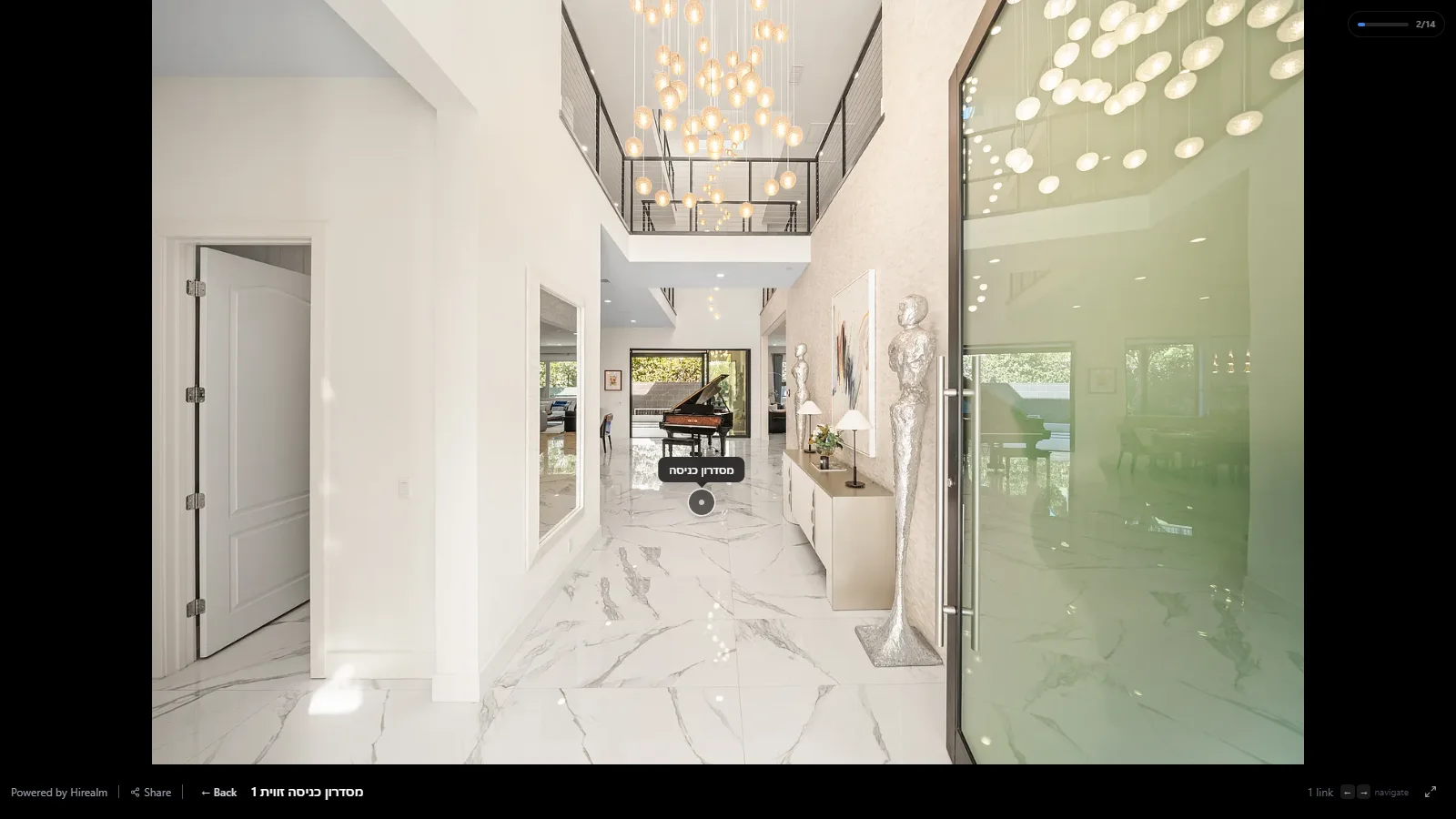
The published tour is the part visitors actually touch, so it got the most interaction work. The walkthrough below is a real published tour, a 14-room listing you can click through live.
- Navigation: Full-screen photo nodes with animated hotspot markers; arrow keys, Tab, and Enter all work, and so does pinch-zoom and pan on touch.
- Instant transitions: Every photo and its immediate neighbours are preloaded, so clicking a pin never waits on a download.
- Coverage tracking: A breadth-first reachability pass from the starting photo computes how much of the space a visitor has seen and shows it as a live progress pill. Reaching 100% fires a small confetti moment and a contact prompt.
- Embedding: A tour drops into any listing or website as an iframe, gated behind the plan that allows it.
Multi-tenant and white-label
Hirealm is built for businesses, not just individual agents, so tenancy is baked in at the edge rather than bolted on.
- Per-tenant subdomains: Each organization gets
{tenant}.hirealm.net, resolved at the edge with a KV-cached lookup from subdomain to org. - White-label viewer: Logo, brand colours, contact cards, and the "Powered by Hirealm" line are all configurable per org. On the top tier, a brokerage can point its own domain via CNAME with automatic SSL.
- Roles: An owner / admin / agent hierarchy controls who can edit, publish, and manage members, enforced server-side on every route.
- Plan limits: Tour counts, photos per tour, seats, embedding, branding removal, and custom domains are gated by a single limits layer rather than scattered checks.
Billing
Subscriptions run through Polar. Checkout covers six products (Pro, Team, and Business on monthly and annual terms), a webhook handler writes the full subscription lifecycle into the database, and team plans report seat counts back to Polar as metered usage so billing tracks the real headcount.
Technical Implementation
Frontend
Next.js 16 (App Router) and React 19 in TypeScript, styled with Tailwind v4
Zustand for editor, upload, toast, and tutorial state
TipTap for rich text, Remotion for the programmatic marketing hero animation
Edge and backend
- A single Cloudflare Worker running Hono does four jobs at once: the
/apisurface, the subdomain-to-org tenant router, the static SPA server with clean-URL rewrites, and per-tour OpenGraph tag injection for crawlers - The same worker doubles as an R2-backed media CDN on
cdn.hirealm.net, with edge caching and immutable headers over R2 storage Auth is Better Auth with Google OAuth, Cloudflare Turnstile, and Argon2 hashing offloaded to a dedicated worker binding
Data layer
Drizzle ORM over Cloudflare D1 (SQLite), R2 for media, KV for sessions and a write-through cache
- Photo writes use count-guarded
INSERT ... SELECTand atomic JSON-array mutations so concurrent uploads and reorders stay correct without transactions, and batch deletes chunk around D1's bound-parameter limit
The stack leans on Cloudflare end to end, which keeps a tour cheap to host and instant to serve from anywhere. Most of the work went into the editor and the viewer, the parts a visitor actually touches, sitting beneath a product an agent can use in five minutes without thinking about any of it.